Every business we test tells us the same thing about multi-factor authentication: it is switched on, so the account is safe. This week a Russian state-backed campaign against Zimbra webmail users was disclosed, and it shows why that confidence is misplaced. The attackers did not break MFA. They went straight for 2FA backup codes instead, the part of the system almost nobody audits, and it worked for the best part of a year.
Table of Contents
A year of quiet access, then a joint advisory
The group behind it is tracked as LAUNDRY BEAR, also known as Void Blizzard. It exploited a Zimbra Collaboration Suite flaw catalogued as CVE-2025-66376. The bug ran malicious code the moment a victim viewed a crafted email, no click required. Zimbra shipped a fix in November 2025. But the exploitation had been running since at least July that year. The joint advisory naming the campaign came from the NSA, CISA and the UK’s National Cyber Security Centre. It only appeared in July 2026, by which point the group’s own infrastructure had already gone dark.
UK Security Minister Dan Jarvis said the group “tested their methods on victims in Ukraine, before targeting members of NATO.” That is a build-up pattern seen from Russian state actors before. NCSC Chief Operating Officer Beth Hopkins CMG was blunter still. She warned that hostile actors “will ruthlessly adapt techniques and exploit vulnerable technology” to get at sensitive information. Neither statement is scaremongering. Government, defence, energy and financial organisations across NATO members and Ukraine were confirmed targets. The mechanics behind it are worth any IT manager’s attention.
Why 2FA backup codes are the part everyone forgets to protect
The payload did not just grab a password. It went after the victim’s two-factor recovery codes specifically, alongside their saved browser credentials and 90 days of mail and search history. That target choice is the more useful lesson here, more useful than the vulnerability itself. It exposes a gap that has nothing to do with Zimbra.
Ask most IT managers where their organisation’s 2FA backup codes live and you will get a pause, not an answer. They get generated once, during account setup, then filed away or ignored completely. Nobody rotates them. Nobody checks who else can see them. They exist purely as a bypass for the very control everyone assumes is doing the protecting. That makes them an obvious prize for anyone patient enough to look.
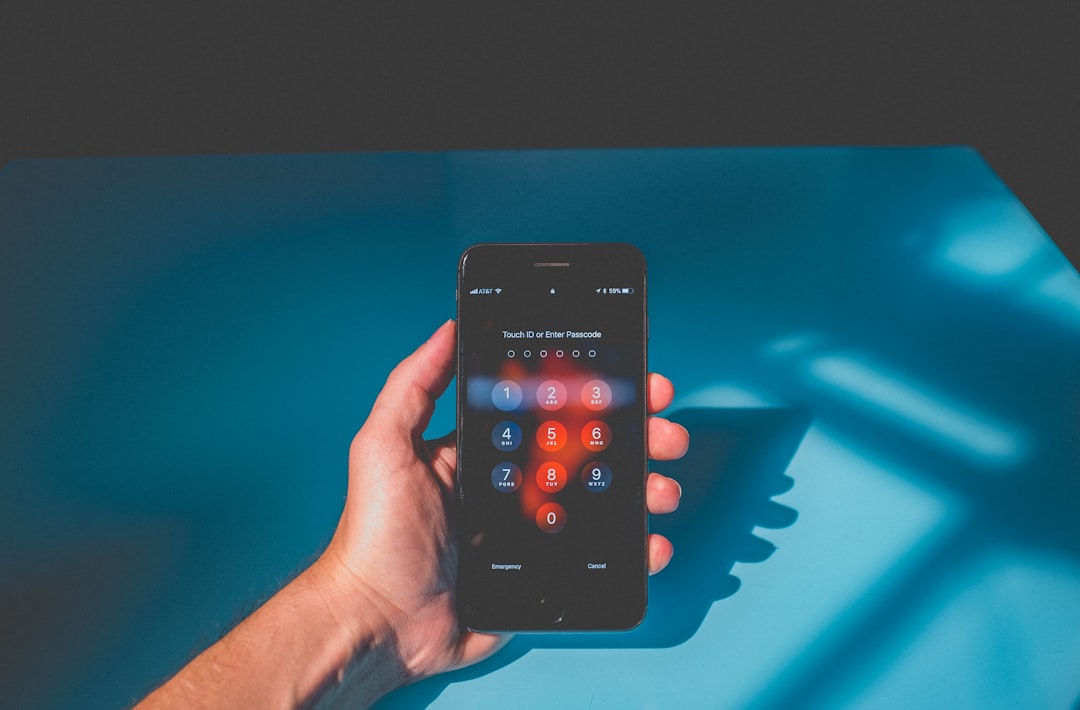
The quiet side door nobody watches
Security teams have spent years pushing MFA adoption, and rightly so. It stops most password-only attacks cold. But the pitch has always been slightly too simple: switch it on, tick the box, move on. This campaign is a reminder that MFA is a system with several components. Attackers go for whichever one is weakest, not whichever is strongest.
In this case that also meant a freshly minted app-specific password. It was made quietly inside the victim’s account, given an ordinary-looking name, and let the attackers keep pulling mail through IMAP without setting off another two-factor prompt. Both the recovery codes and the app password are legitimate features of most mail platforms. Neither gets reviewed once initial setup is done. That is not a Zimbra problem. It is just as true of Microsoft 365, Google Workspace and most other business email systems. It is also a pattern we have seen before. Fully patched systems still failed, because MFA coverage had a gap nobody had checked.
The way the stolen data left the network backs this up. Researchers found the group moving small amounts out through ordinary DNS queries, a channel most firewalls wave straight through. Larger hauls went out over HTTPS, to a data-collection tool nicknamed Flowerbed. None of that needed to beat a firewall or an antivirus product. It only needed the gaps in two-factor checks to stay unexamined. That is a cheaper win than any zero-day.
What good practice looks like in an afternoon
Phishing-resistant methods avoid this problem entirely. Hardware security keys and built-in device authenticators do not use a code at all, so there is nothing to steal from a hacked inbox. Where that is not practical for every account yet, the fallback is discipline rather than new tools. Three things are worth doing this month:
- Locate every set of 2FA backup codes across admin, finance and IT accounts, and confirm who can actually access them.
- Pull a list of app-specific passwords on your main email platform and remove any nobody in the team can explain.
- Check inbox forwarding rules on senior accounts. A quiet rule copying mail externally is one of the most common signs this kind of access leaves behind.
None of this is expensive or complicated. It is the kind of thing a focused external review turns up in an afternoon. It is exactly what a tester looks for once the obvious doors are locked. The organisations caught out by this campaign were not necessarily careless about MFA. They were careless about the parts of MFA that never make it into the training slide, starting with 2FA backup codes nobody thought to check.
Subscribe to our newsletter
Honest updates, straight to your inbox. Unsubscribe any time.